How to Update Target Start Dates
Last updated: September 21, 2026
The waterfall effect of updating target start dates
Target start dates are one of the most important pieces of the hiring plan. They are used not only to balance load for the recruiting teams, but also to build out the budgets and forecasts that inform cost allocation for headcount.
Working off of a single source of truth for approved headcount in TeamOhana, recruiting teams are able to identify unrealistic start dates early on and work with hiring managers to update them, keeping the budgets and forecasts on track in the process. This intervention and collaboration ensures the company is able to hire the right people at the right time.
Target Start Date vs. Budgeted Start Date
TeamOhana tracks budgeted start dates and target start dates separately on headcount. This allows the talent team to update the forecasted start dates to ensure accurate financial forecasting and so the organization can track planned against actual.
Updating Target Start Dates
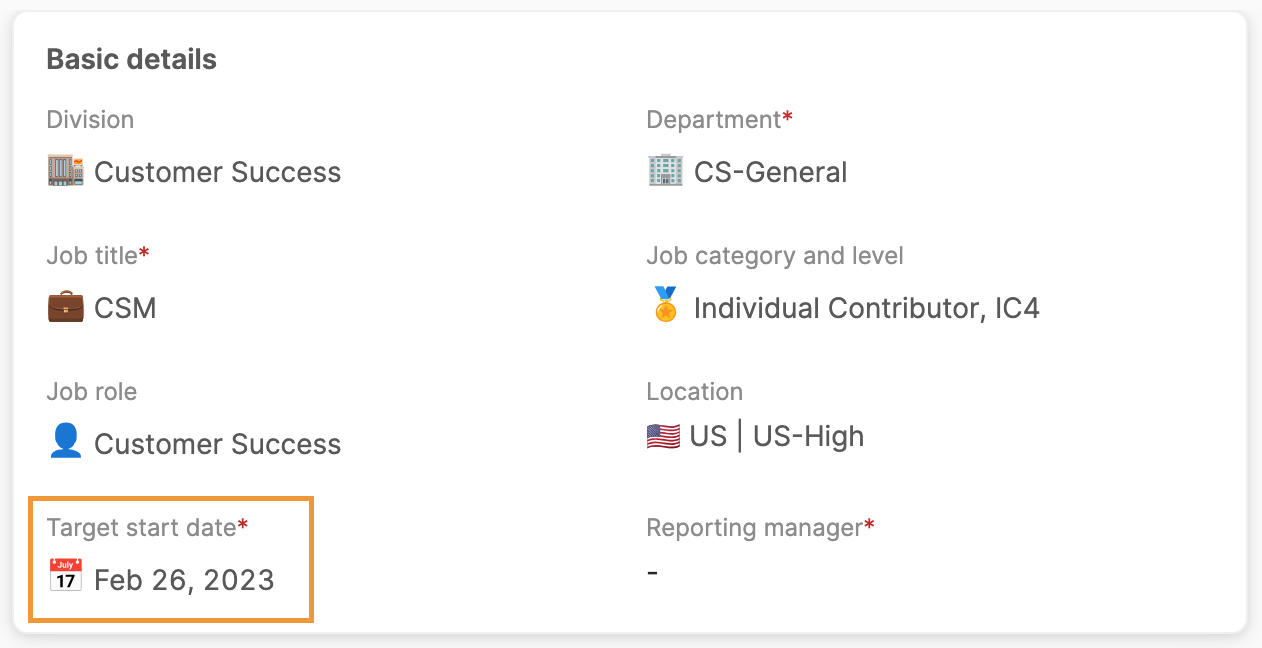
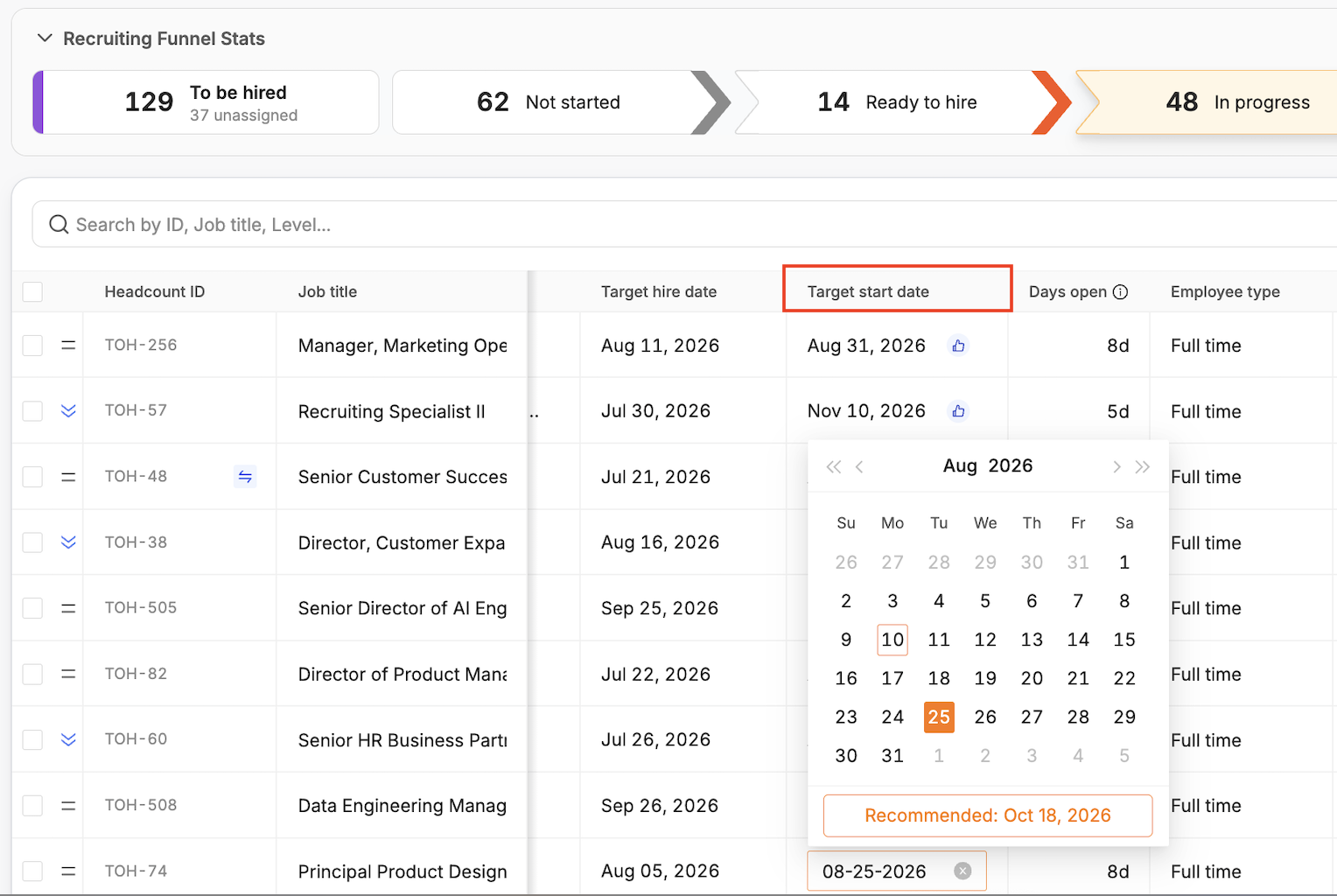
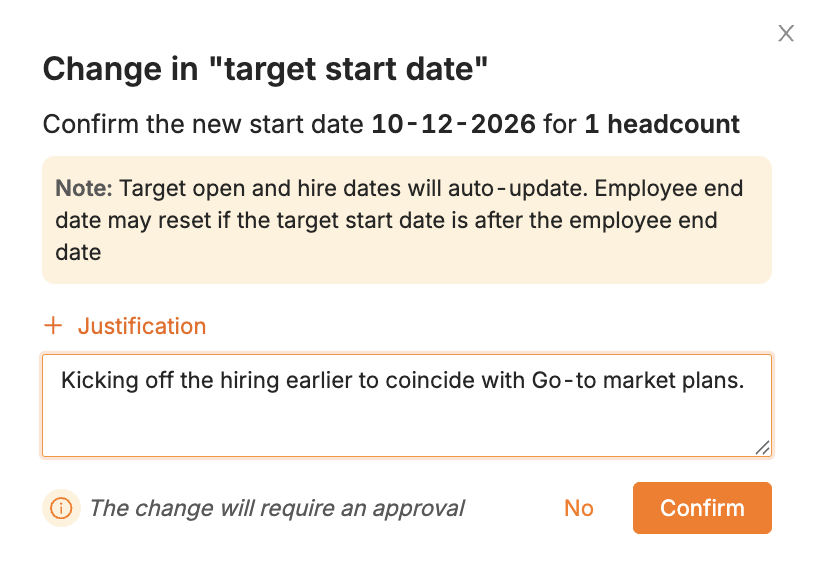
Click into the target start date and update the date. Depending on user role permissions, pushing the target start date to a later day may or may not trigger a change approval. Moving the start date to be earlier than originally planned will trigger a change approval — unless you have admin or admin-like credentials.
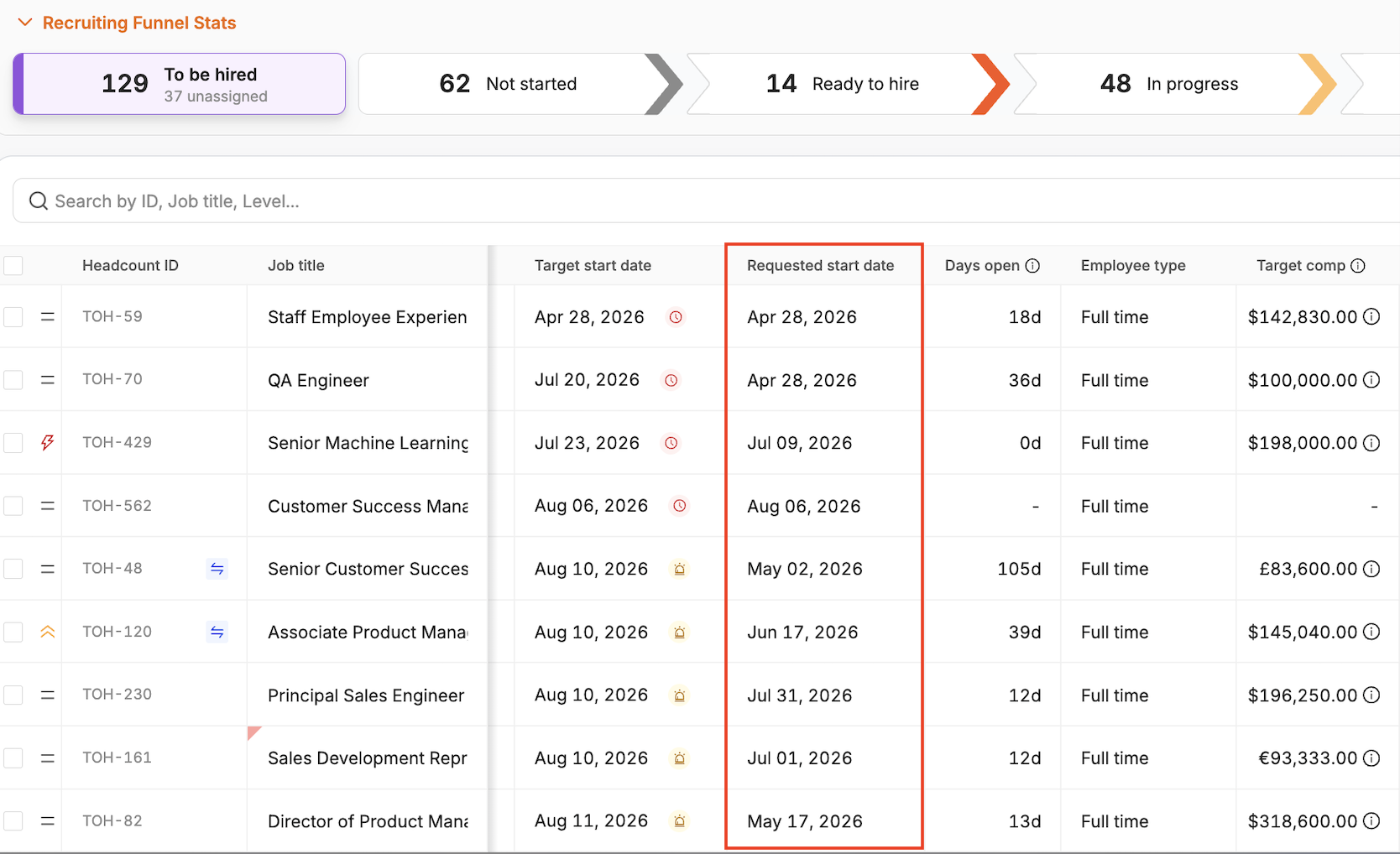
Requested Start Date is set at the time the headcount is approved. The requested start date can't be updated.
Updating Target Start Dates in Bulk
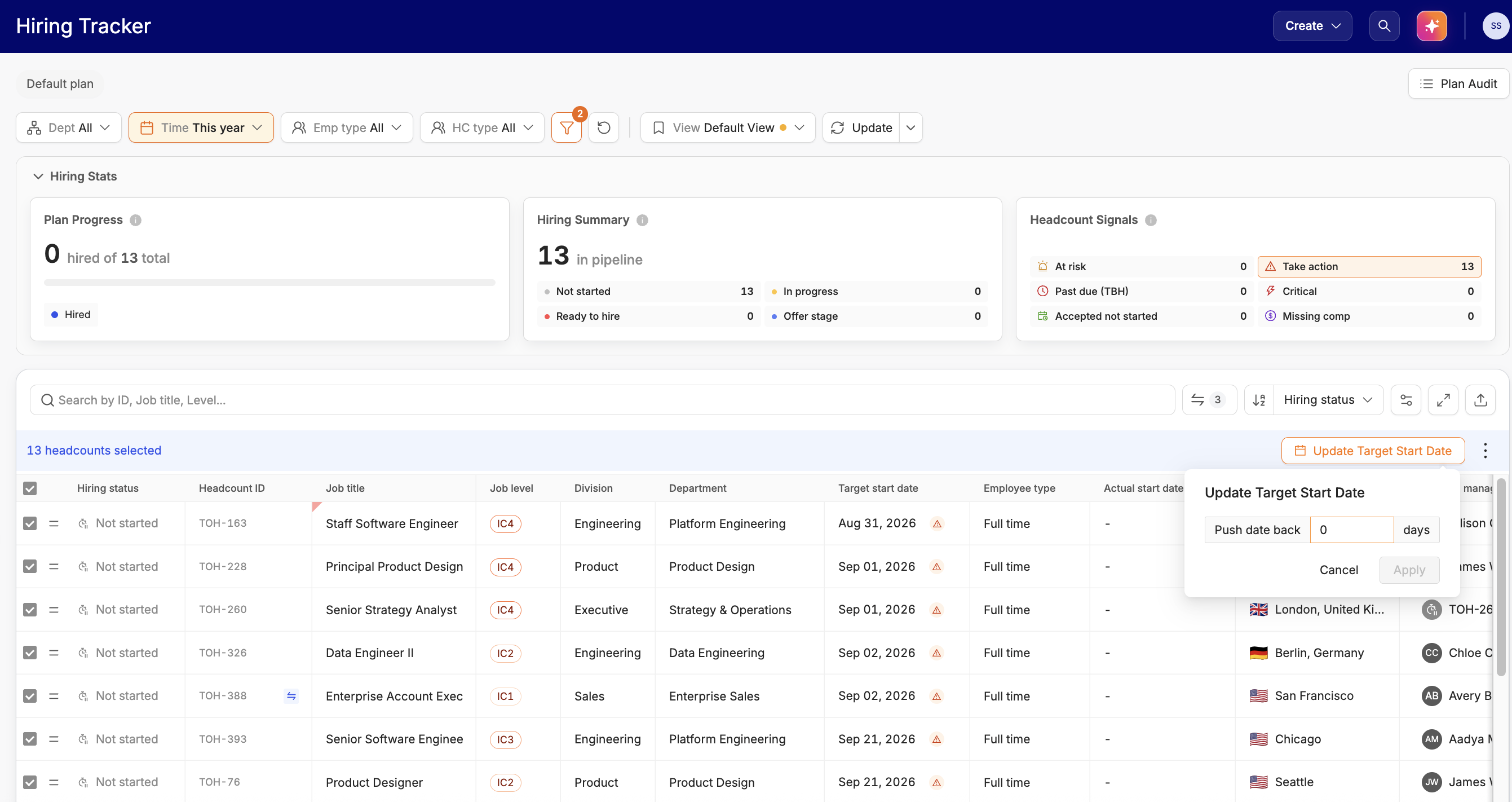
On both the Hiring Tracker and the Recruiting Workboard, you have the ability to update target start dates in bulk by checking the box next to each headcount you'd like to update. You can also check the box in the top left corner of the hiring plan table, which will select all headcount. Please note that you are unable to make bulk updates to headcount in different hiring statuses.
Once you've selected your headcount, click the "Update Target Start Date" button that appears across the top of the hiring plan table.

From there, you will have the following options. You can either:
push forward/pull back all headcount start dates by a specified number of days,
select a specific date to use as the new start date, or
use the AI recommended date
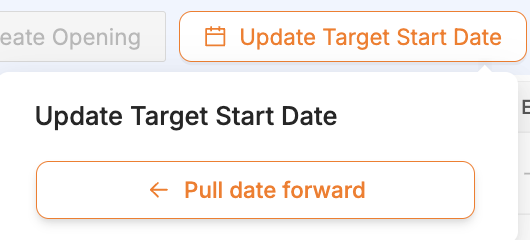
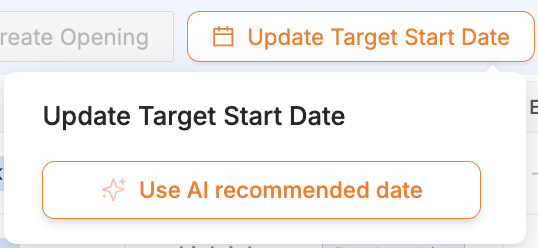
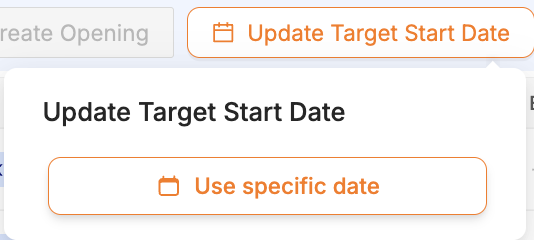
Make your selection, then click "Apply." Your headcount start dates will all update to the date you've input.
Keeping target start dates updated
If you need to update target start dates in bulk, the Hiring health Headcount Signals legend on your Hiring Tracker is the best way to identify where changes need to be made.
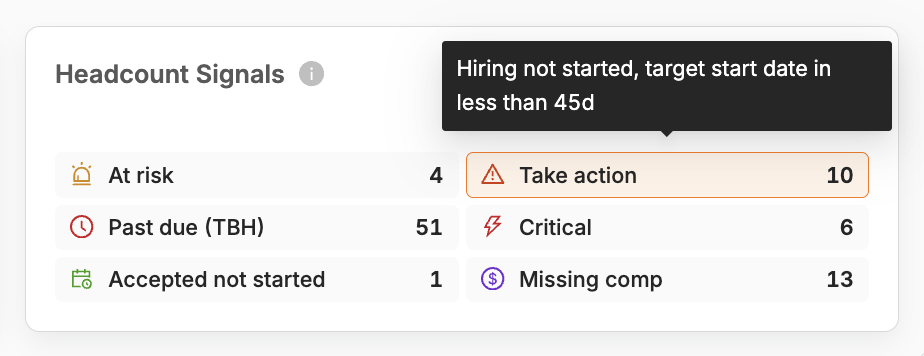
At risk means the target start date is fewer than 15d days away and the role has not yet been filled.
Past due (TBH) means the target start date has passed and the role has not yet been filled.
Accepted not started means the candidate has accepted the offer, but there is not yet a matched employee record in the HRIS, so they have not started yet from TeamOhana’s perspective.
Take Action means that hiring has not yet started, and the target start date is fewer than 45 days away.
Critical is usually for backfills.
Missing comp means compensation details are missing.
The Take Action, At Risk, Past Due, and Missing comp trackers should all be at 0. Clicking on each of the icons in the hiring health legend will filter your hiring tracker to bring attention to those off-track headcount, so their target start dates can be updated methodically.
In summary, using TeamOhana to load balance and set realistic start dates for open headcount also ensures that the budgets and forecasts remain up to date so that all parties involved in headcount planning are always on the same page.
Standardizing the process
Keeping target start dates updated is a cross-functional effort. As a best practice, we recommend a regular interlock period that takes place in TeamOhana on the last week of each month and involves the below processes:
Hiring Managers: update the target start dates and job details for all of their headcount not yet in-progress
Talent: updates the target start dates for all in-progress headcount
Finance: pushes out start dates for all remaining past due headcount:
In-progress headcount start dates are pushed by 30 days
Not-started headcount start dates are pushed by 60 days