Ready to Hire Process
Last updated: August 24, 2026
Overview
Ready to hire is how hiring managers and department leaders notify the talent team they are ready to kick-off hiring for approved headcount. By default, hiring manager, department leaders, recruiters and recruiting leaders have Ready to hire permissions. However, your system admin may have changed settings to which user role(s) have access to this feature.
In the Hiring details section of the headcount, turn on Ready to hire.
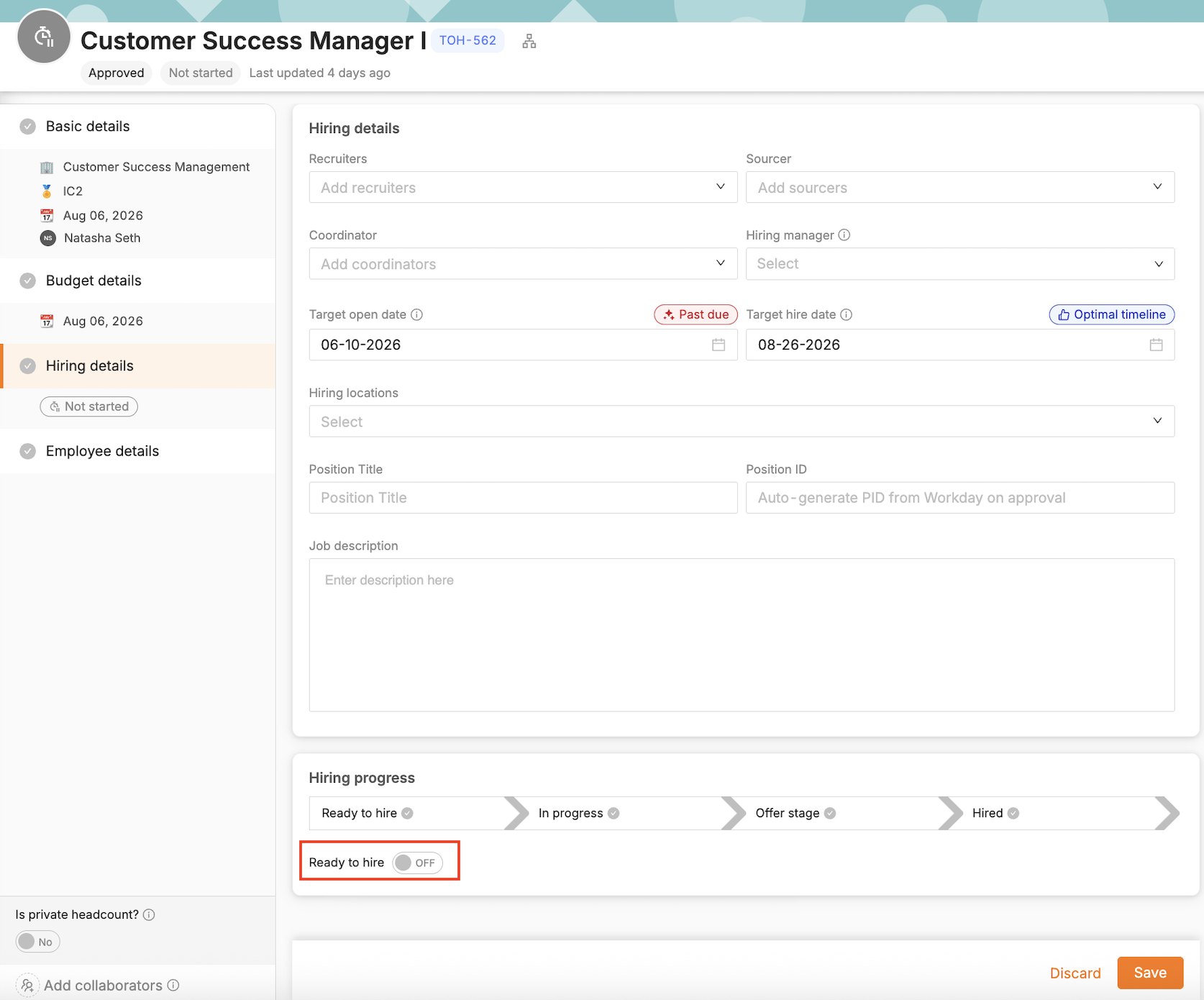
The recruiting lead and any other user assigned to the headcount will receive an email notification when headcount is marked ready to hire.
Recommended Practice: Recruiting leads assign recruiters to each TBH while in "Not Started" status — then once headcount is marked ready to hire, recruiters are alerted an action is pending them.

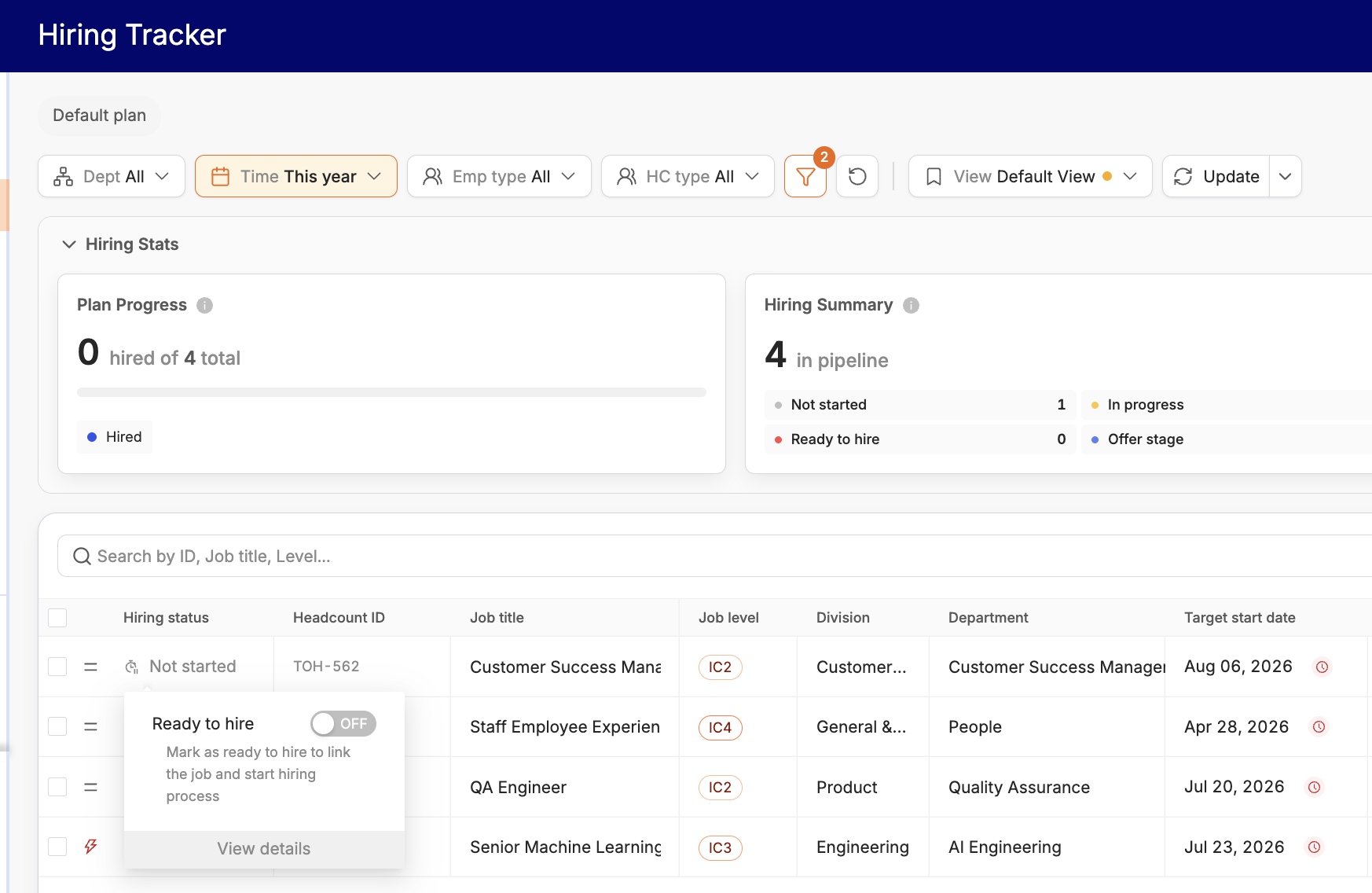
You can also turn on Ready to hire from the Hiring Tracker or Recruiting Workboard.
Hiring status auto-updated after the talent team links a job to headcount
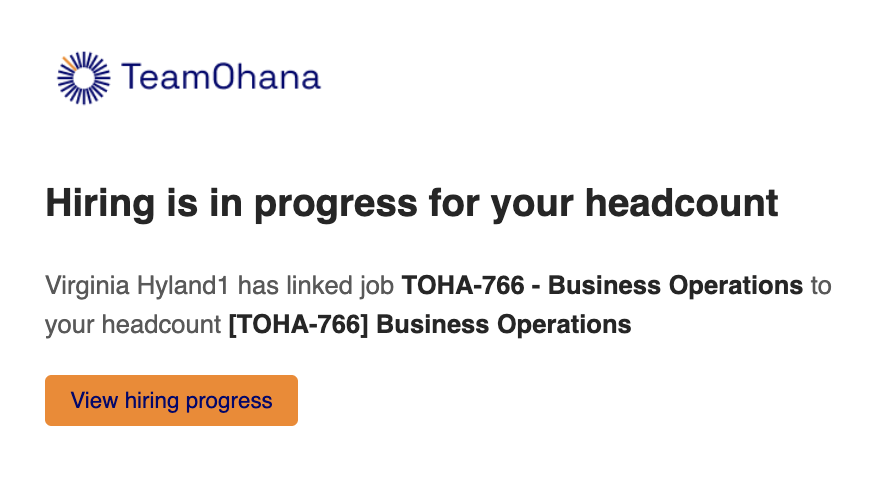
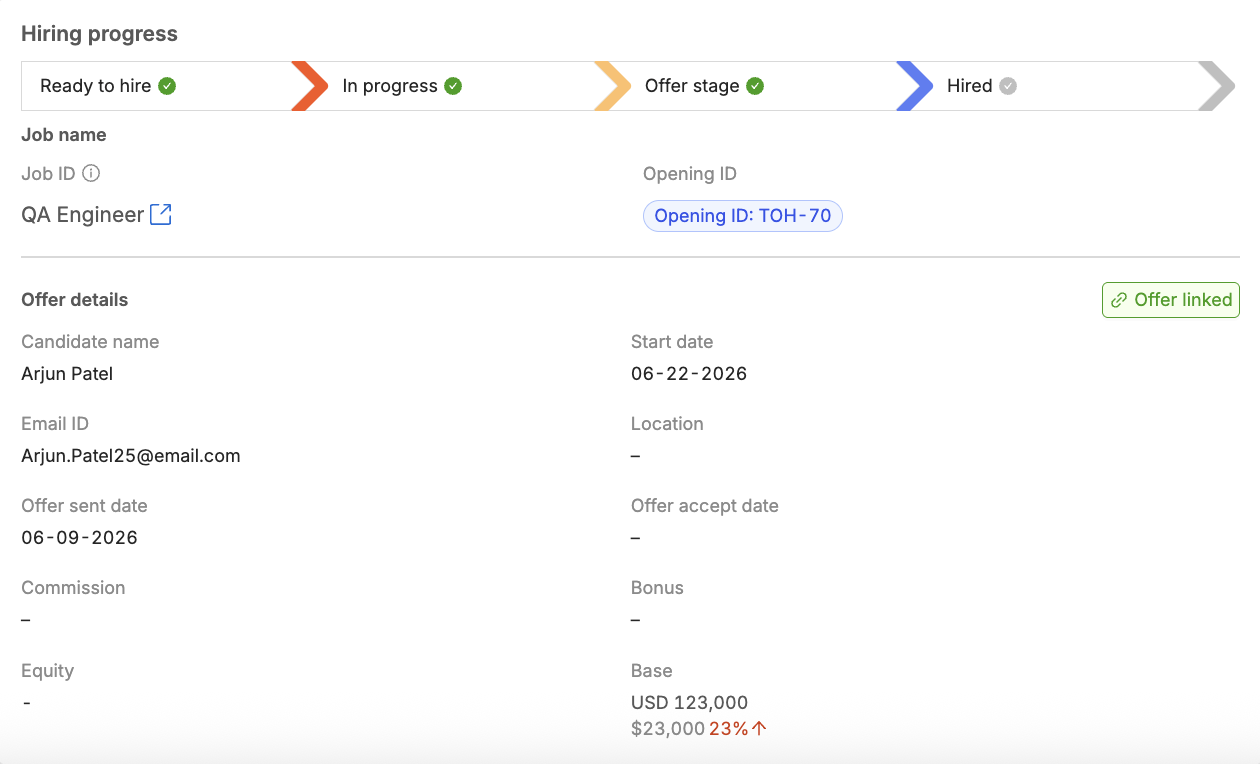
Your talent team partner will open a job req and link to the headcount. The hiring status will automatically update in the Hiring details section as well as the offer details included in the ATS.
Email and Slack notifications are sent when an offer is sent and when hired.