Employee Actions
Last updated: August 24, 2026
Take action on current employees from TeamOhana and, if necessary, reconcile with your HRIS
While the HRIS remains the source of truth for your current employees, you are able to initiate actions in TeamOhana for current employees that you can later reconcile with your HRIS. Those actions are creating a backfill and initiating an internal transfer.
Creating a backfill
When a current employee is terminating from the company, or transferring internally to another team, you may need to backfill their position. You can create the request for this backfill directly from TeamOhana. We recommend that Hiring Managers own the process of creating a backfill for their departing employees.
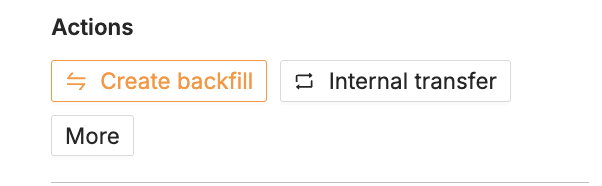
Check out this article for steps on how to create a backfill.
*You can also create backfills for employees who have already exited the company via the Terminations tile in Headcount module.
Initiating an internal transfer
When a current employee is transferring to an open role on your hiring plan, link the employee to the corresponding headcount in TeamOhana by initiating an internal transfer.
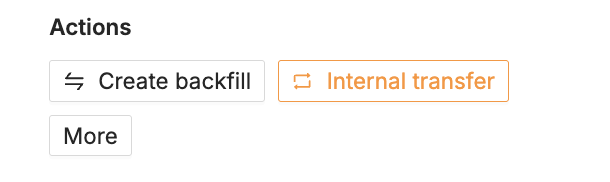
By default Admins, Finance and Recruiting Leaders can initiate transfers, and we recommend that the workflow is owned by Recruiting Leaders.
Check out this article for steps on how to initiate internal transfers.